Free Machine

MIDI Portal

Free MIDI Monitoring Machine

JUCE 8C++23Real-time MIDICPU / JUCE Display
Get In Touch

Publisher

Execute Entropy LLC

Rendering path

cpu-painted

MIDI behavior

Observe, diagnose, filter, and visualize MIDI traffic (Cascade & Log).

Availability

Included with iLumidi Free baseline (no purchase required)

Commerce ID

machine-midi-portal

Gallery

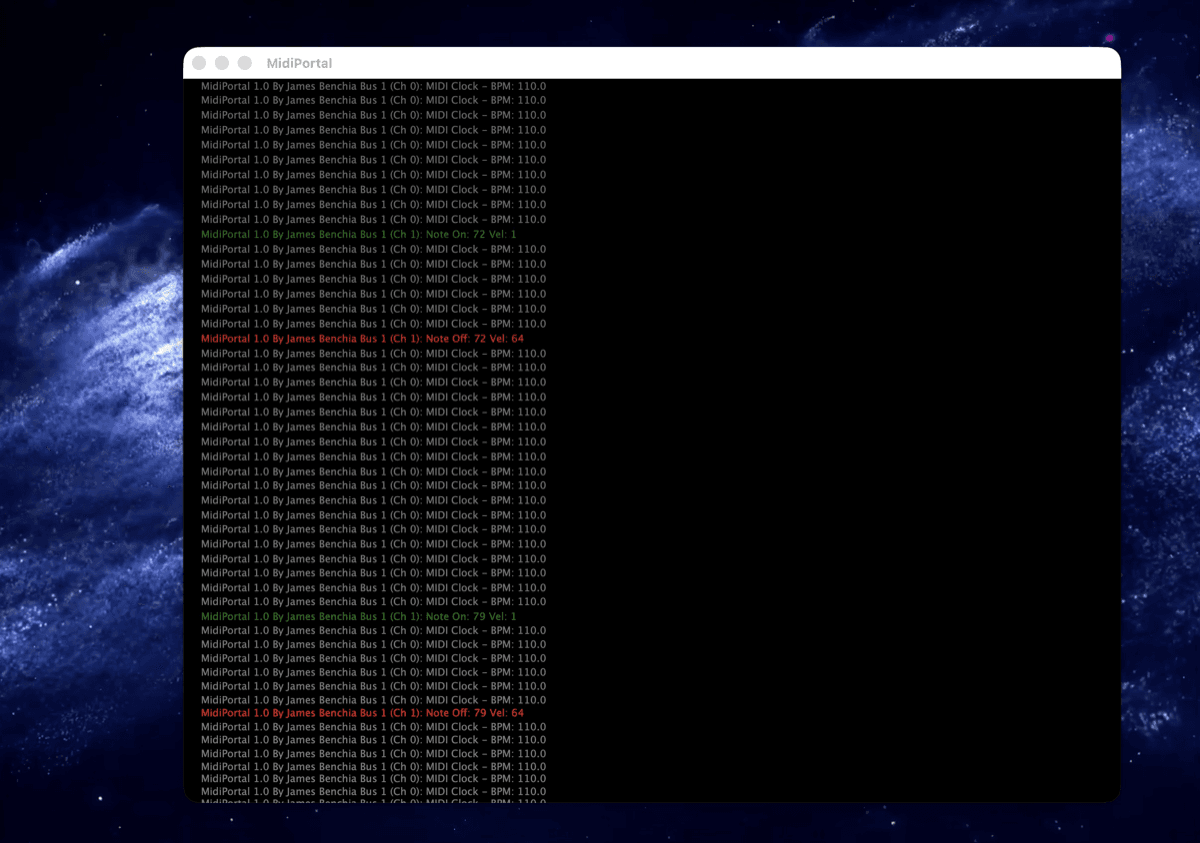
MIDI Portal main interface introduction
MIDI Portal — MIDI monitoring Machine
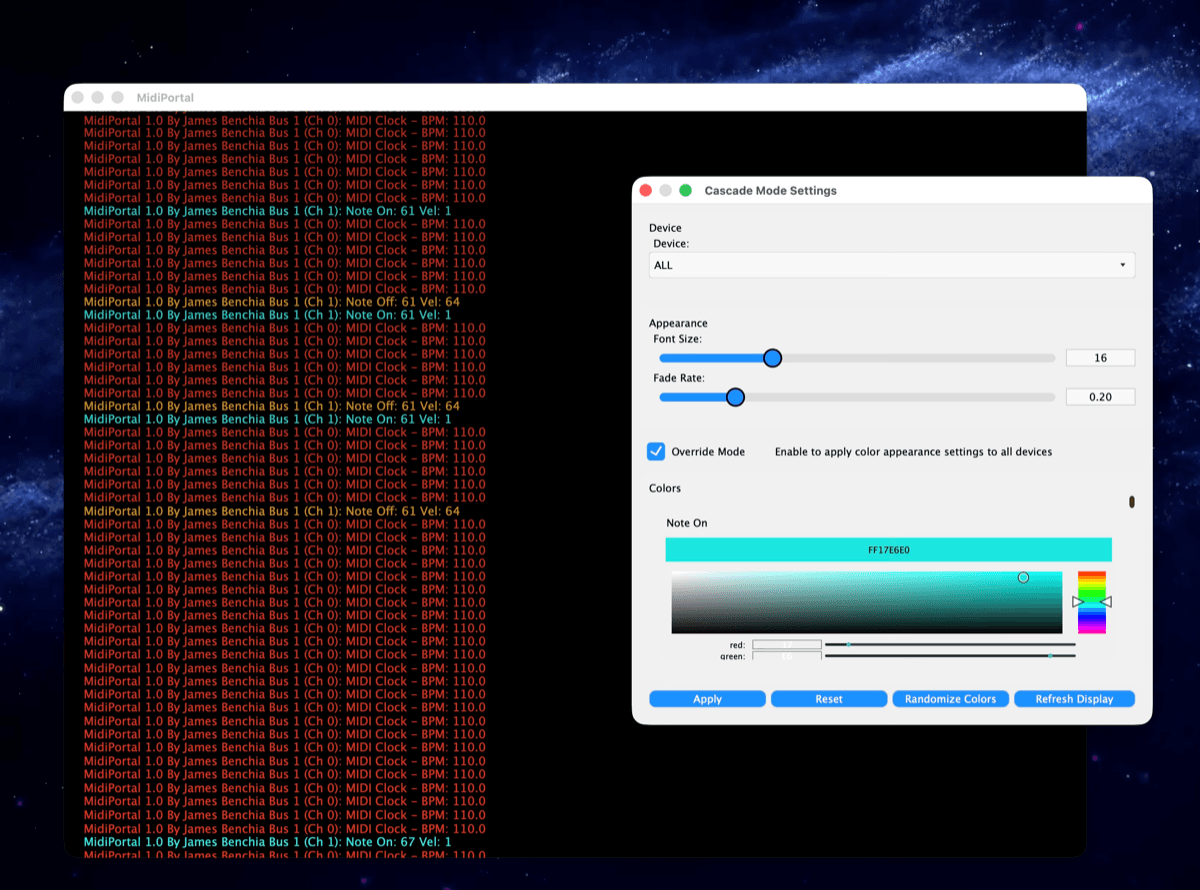
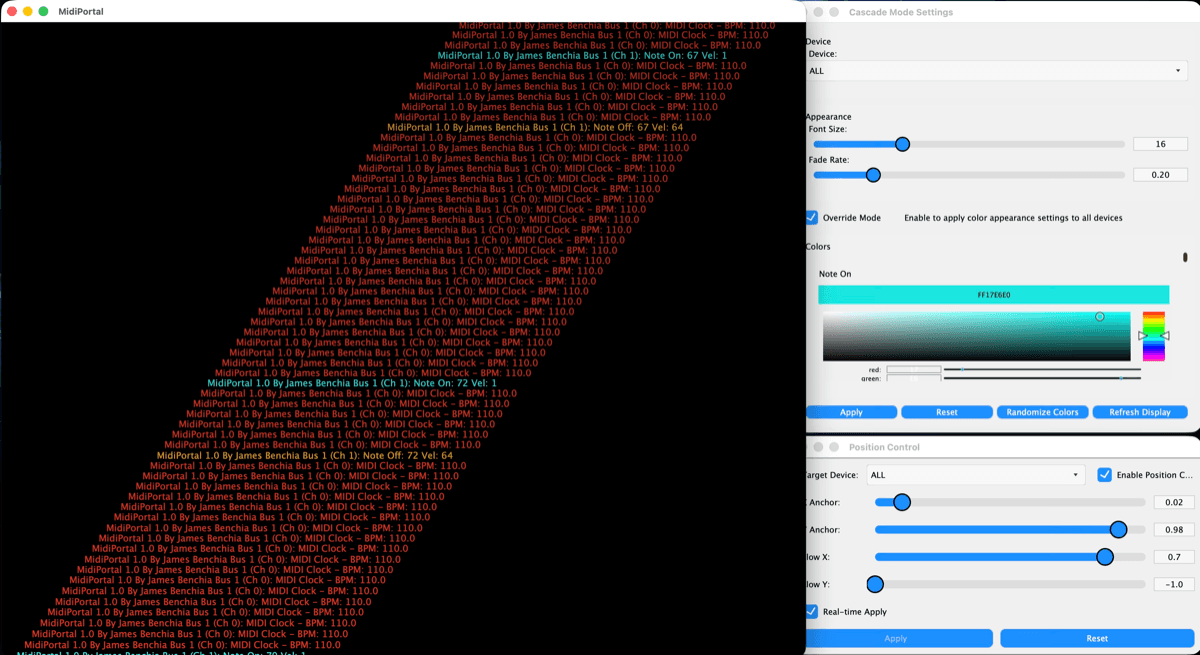
MIDI Portal cascade visualization with colorful MIDI streams
Visualize MIDI traffic with Cascade Mode
MIDI Portal device settings and override mode
Device settings individually or via Override Mode
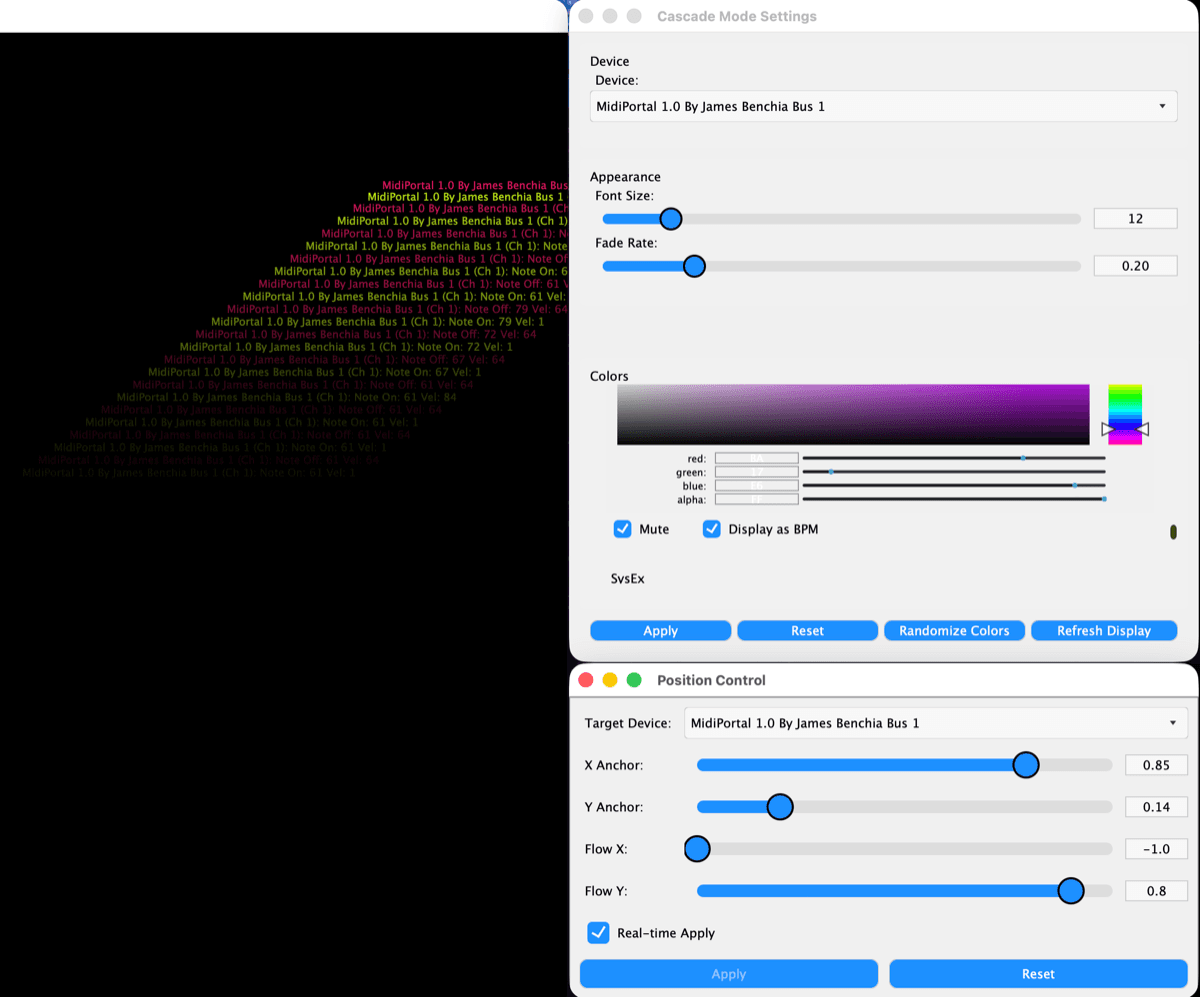
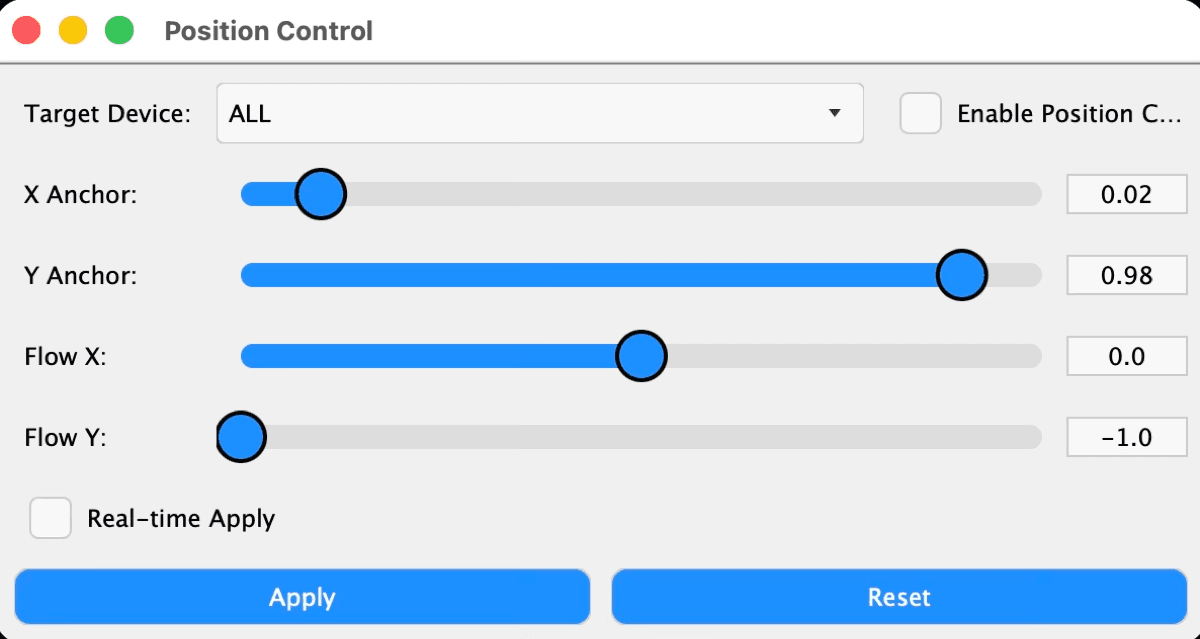
MIDI Portal position controls for cascade mode
Reposition Cascade text with Position Controls
MIDI Portal real-time mode controls
Real-time Mode for immediate flow updates
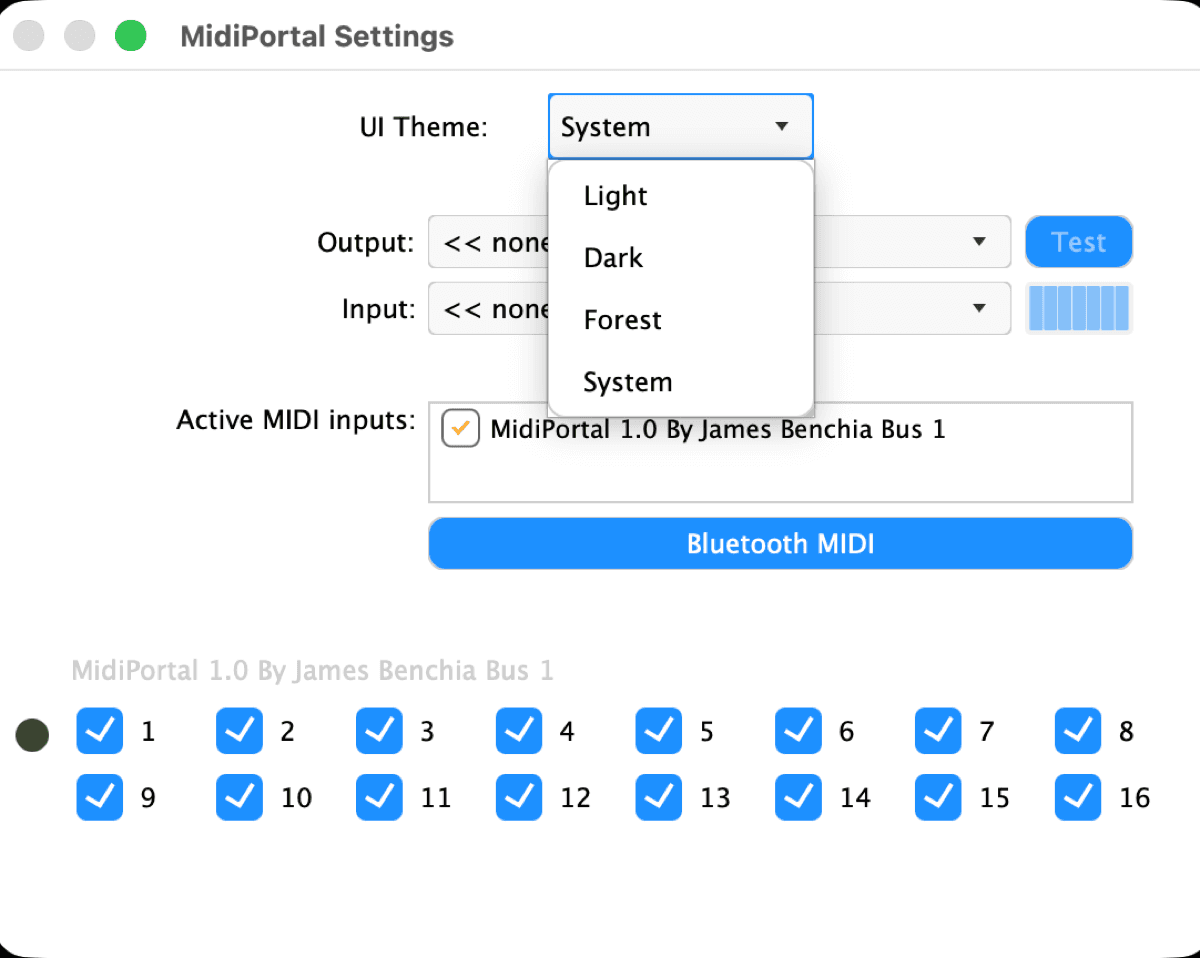
MIDI Portal advanced custom color themes
Custom color themes per UI component
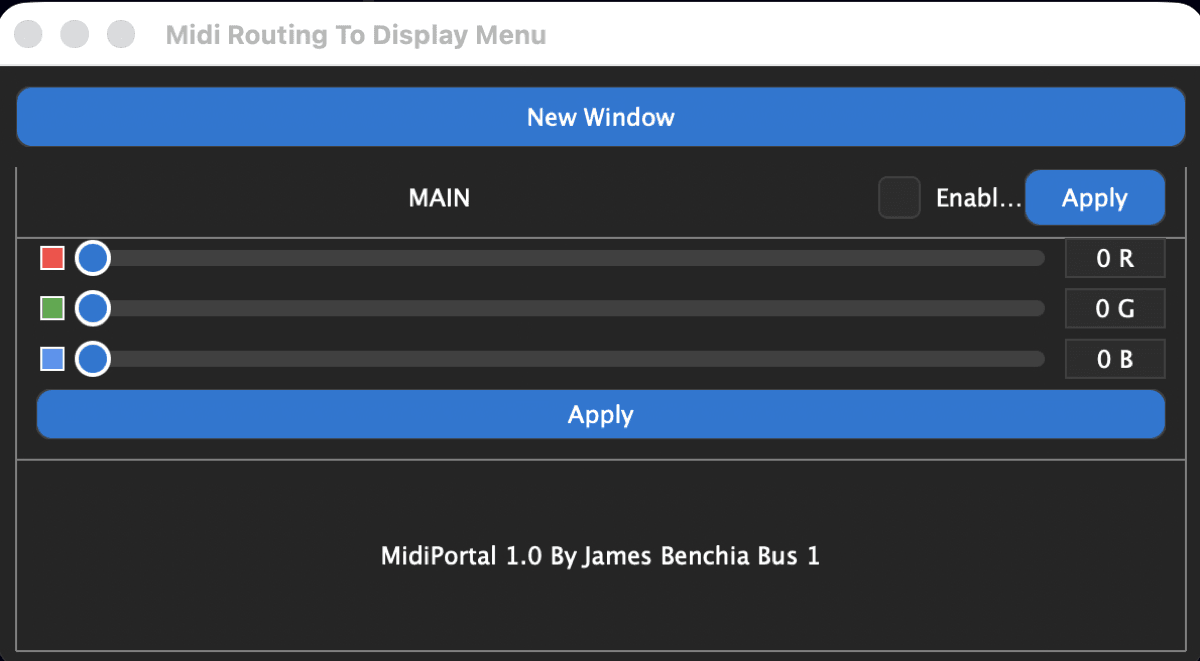
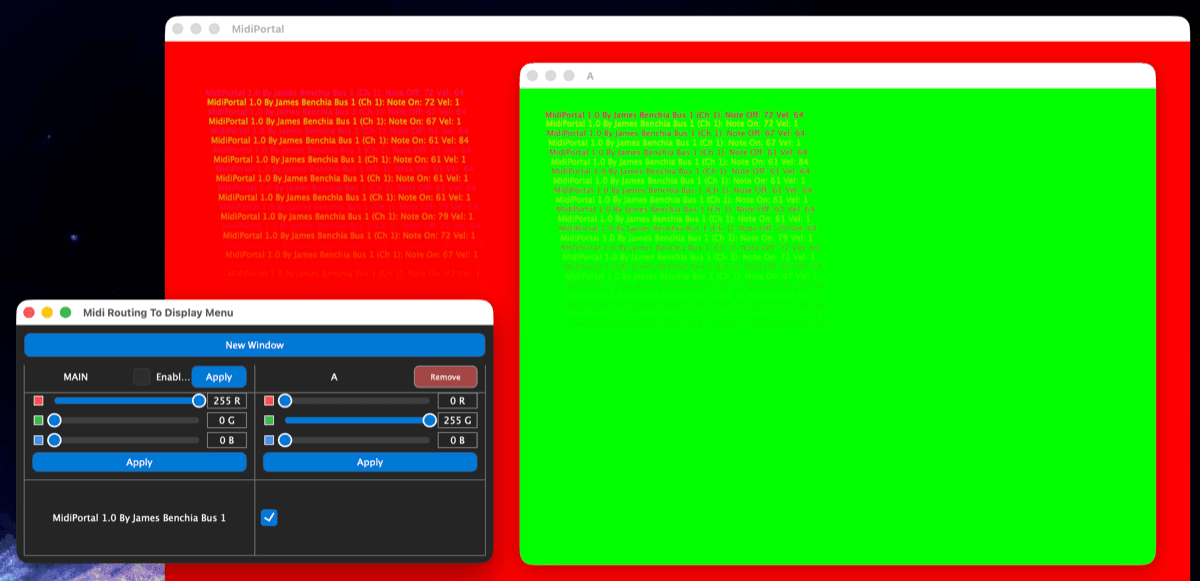
MIDI Portal routing to display menu
MIDI Routing to Display Menu
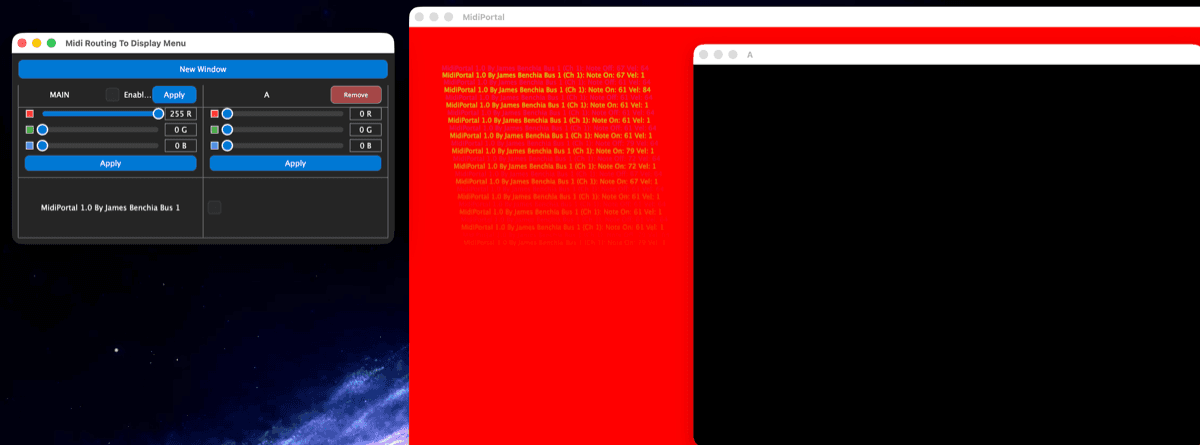
MIDI Portal multiple display windows management
Create or remove additional display windows
MIDI Portal individual display customization
Per-display background colors
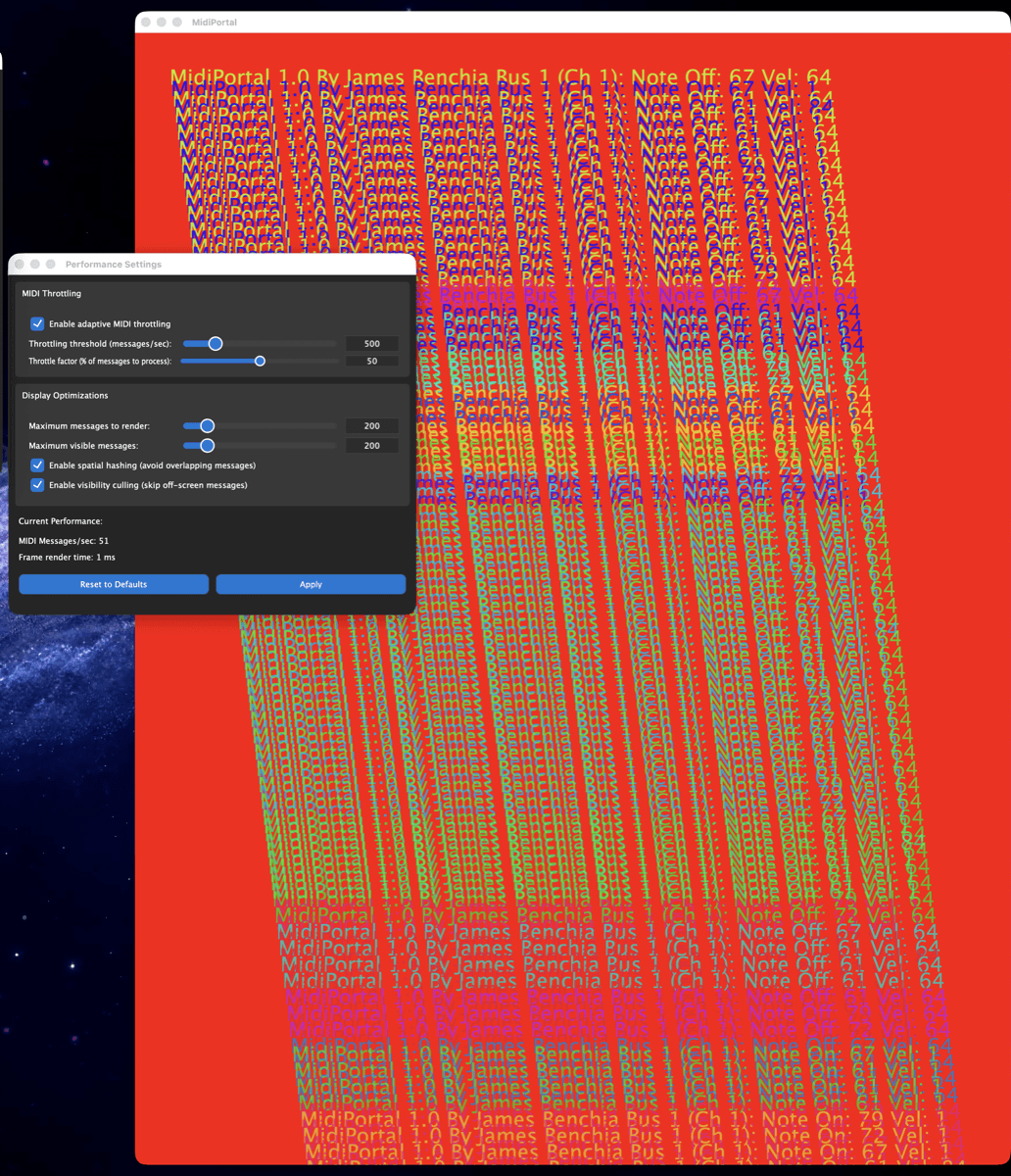
MIDI Portal performance settings optimization
Performance settings for MIDI throughput
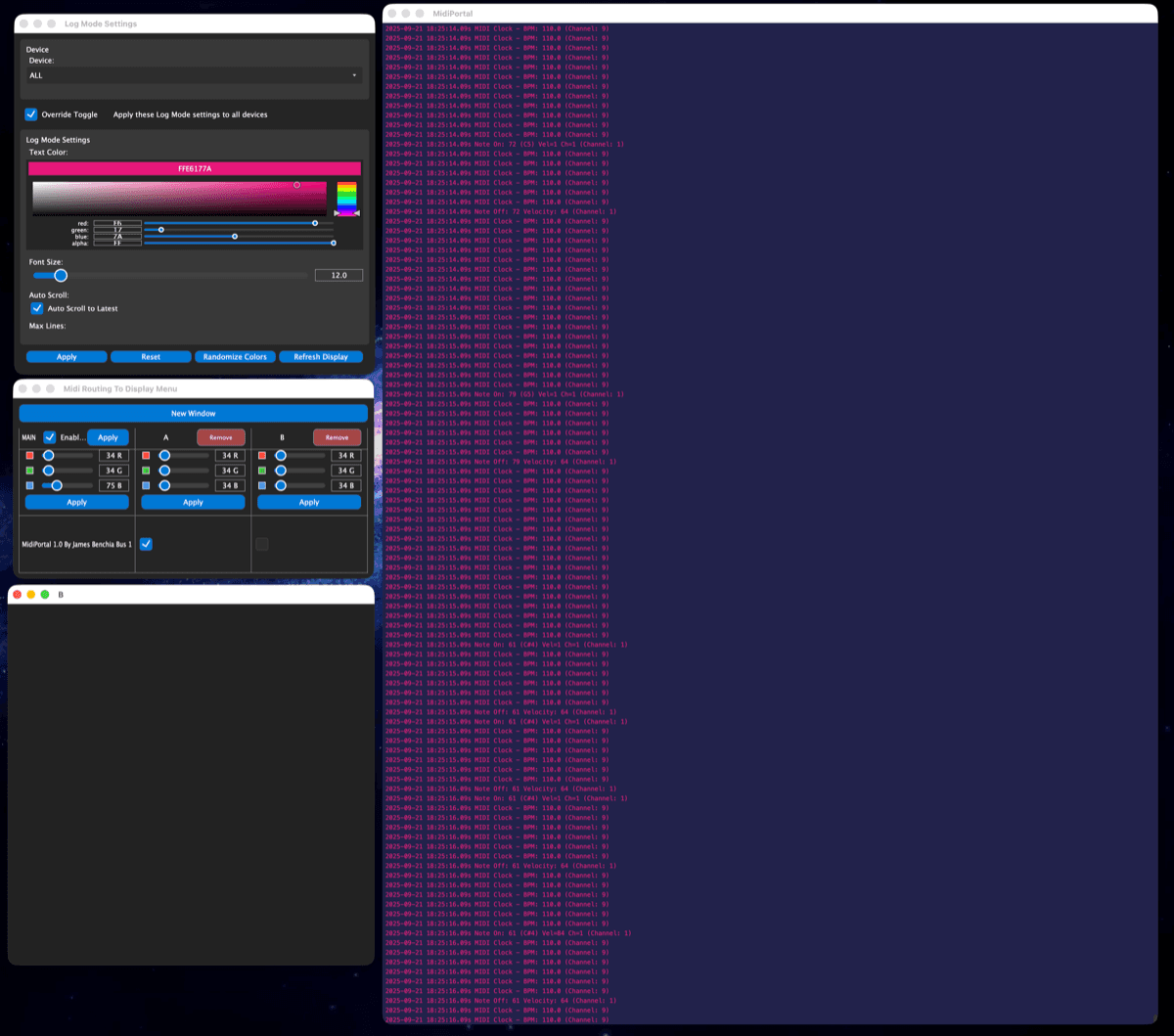
MIDI Portal log view mode interface
Log View Mode for straightforward tracking
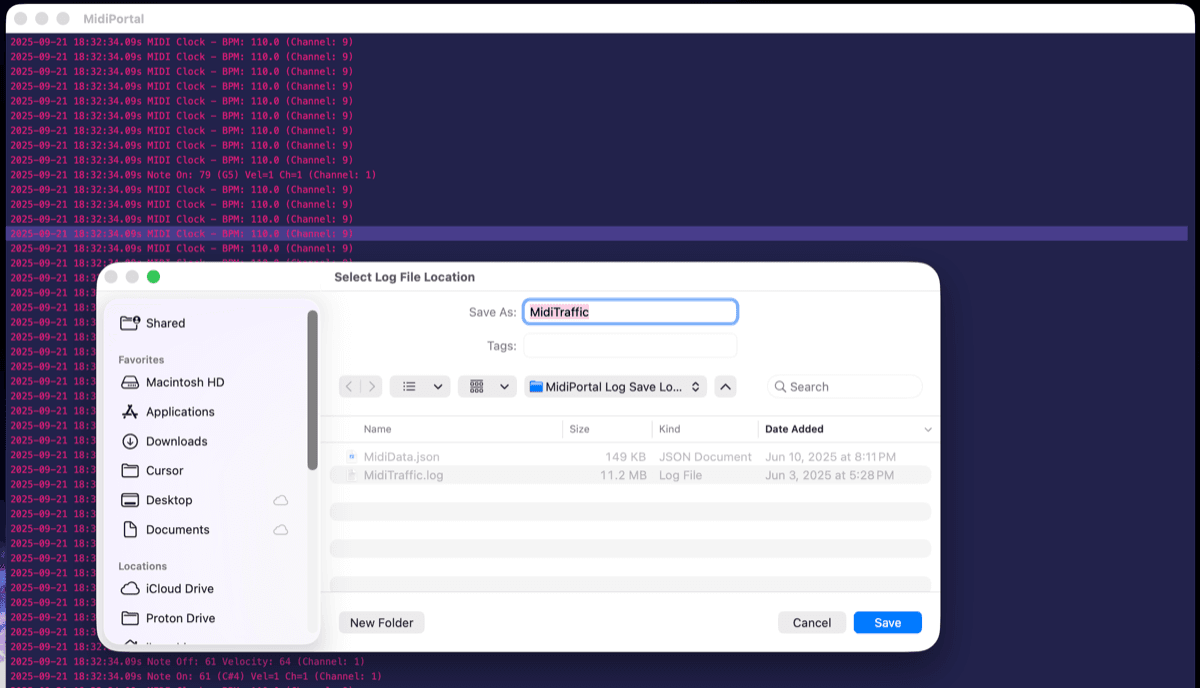
MIDI Portal session logging capabilities
Save a session log of MIDI traffic

Overview

MIDI Portal is a fun MIDI monitoring Machine for the iLumidi suite. Watch traffic flow in Cascade, dig into Log view, open device-specific windows, and save session logs when you need a paper trail.

It ships with the free experience of iLumidi — Factory locked, MIDI Portal ready to run. Use it as a monitoring tool on its own, or keep it in your rig as you unlock more of the suite.

MIDI Portal runs on the iLumidi display host as a Machine cartridge. Cascade and Log use the CPU/JUCE path — a monitoring Machine, not a GPU Visual Machine like Sketch N' Etch or Rainbow Rain.

Native desktop. Not a web app. Downloads aren't open yet — check back soon, or get in touch if you'd like to hear from us first.

Capabilities

  • Included with the free experience of iLumidi
  • Real-time MIDI traffic visualization (Cascade & Log)
  • Multi-window architecture for device-specific monitoring
  • Session logging, BPM/clock analysis, diagnostics
  • Custom theming for monitoring views
  • Runs as a Machine on the iLumidi host
  • Native desktop — not a browser tool

A Machine for the iLumidi suite — included with the free experience.